

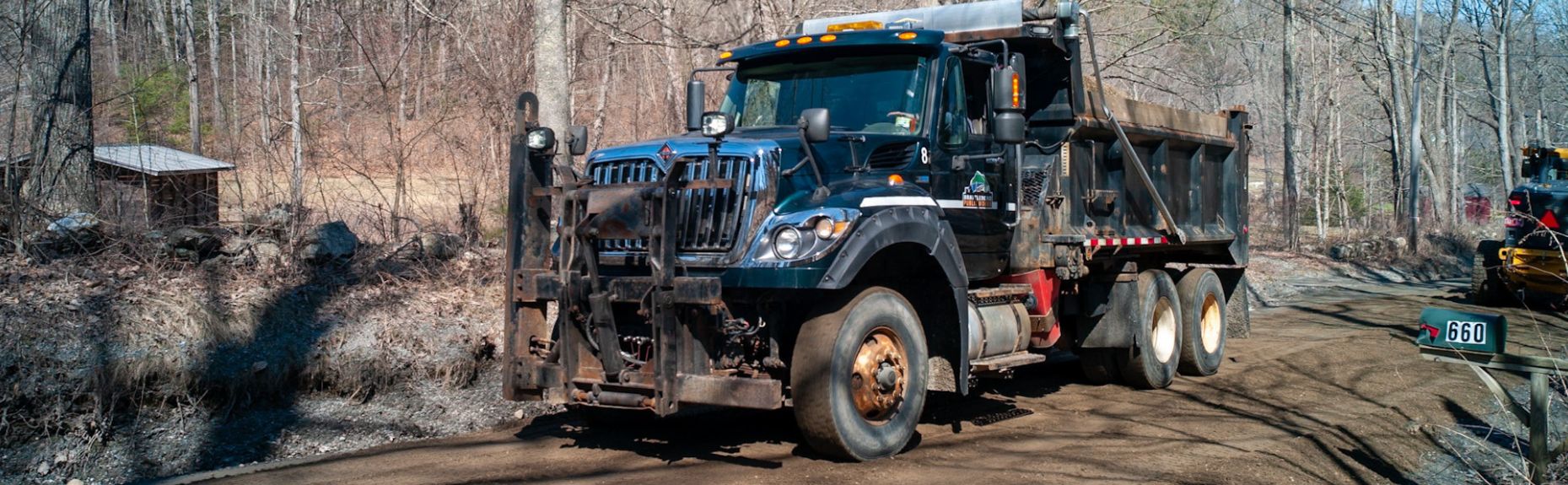
View Public Works Projects on an Interactive Map
The Brattleboro Department of Public Works has published an interactive map to help the public track the progress of various projects happening in 2026. The map is available here and embedded toward the bottom of this post.
The map provides a comprehensive overview of active and planned Public Works projects throughout the Town, including roadway improvements, utility upgrades, drainage work, and capital infrastructure initiatives. Each project is identified with key details to help visualize locations, scope, and coordination across departments.
Note on Updates: This map is intended to be a living document. Updates to existing projects, including changes in scope, schedule, or status, as well as any new projects that arise, will be incorporated on an ongoing basis to ensure the information remains current and accurate.
How to Use the Map
View on a Desktop Computer: Click here to view the map. On the left side of the screen, you can see a list of projects. Clicking on the individual project will open more details. Alternately, you can select the icons throughout the map to view more information.
View on Your Phone: This map works better in a browser than in the Google Maps app. To view the map in your phone's browser, long press this link (hold your finger down on the link) and open the map in a new tab in your default browser. Select icons on the map and tap the name of the project (appears at the bottom of the browser window) to view details. Use the back arrow (next to the project's name) in the description box to collapse the window.